What's New in Microsoft Copilot Studio (2026): Agent-to-Agent Communication, MCP Tools & Computer Use

skilltech club
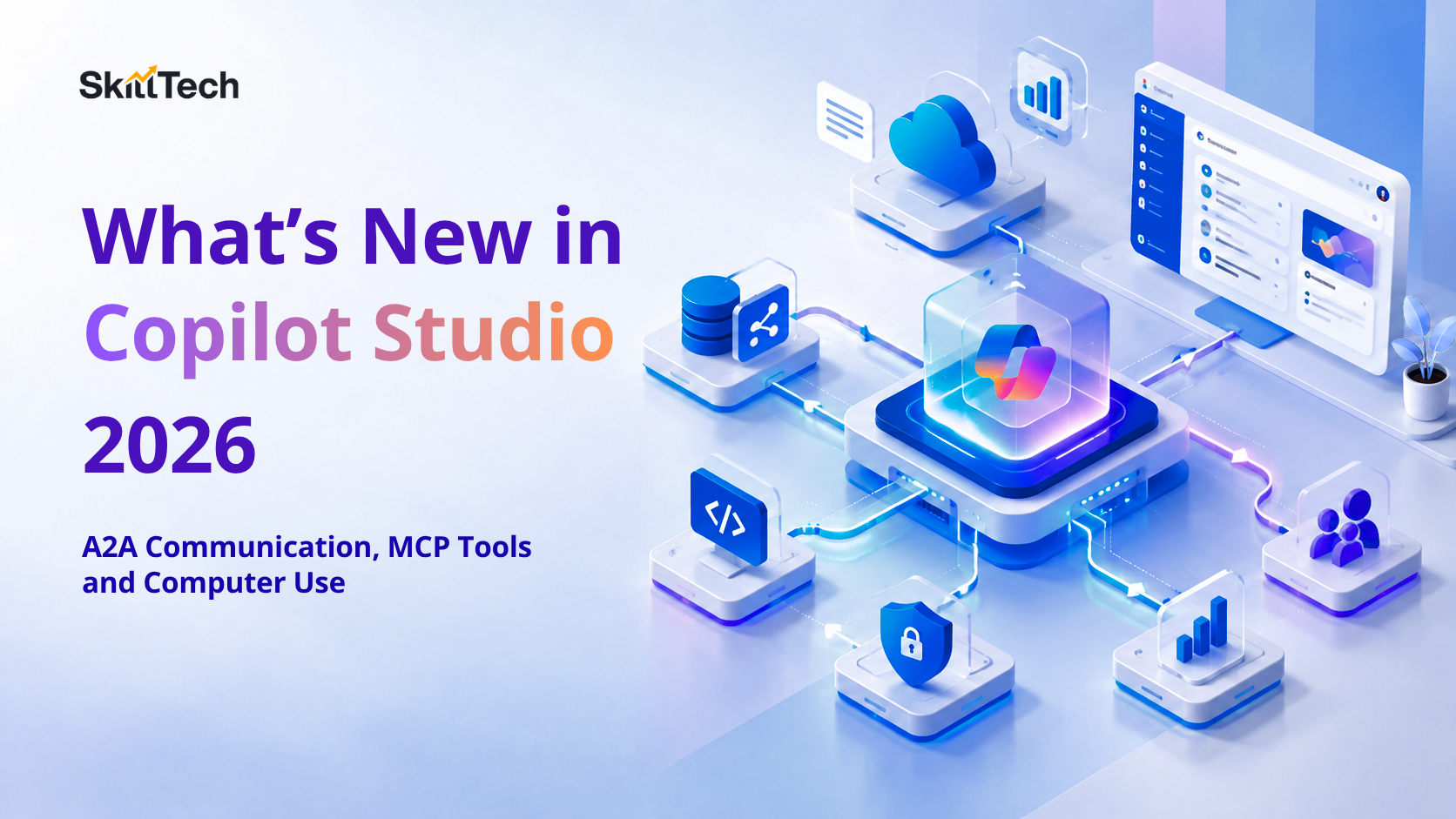
In 2026, Microsoft Copilot Studio stopped being a chatbot builder and became an agent platform. Three changes drive that shift: agents can now talk to other agents, call standardised external tools over MCP and operate software through its interface when no API exists. This guide explains each one plainly — what it does, how it works and when to reach for it, so you can build real multi-agent systems in Copilot Studio instead of guessing from the release notes.
From single agent to a team of agents
A 2024-era Copilot Studio agent was one bot: a topic tree, some knowledge, a few connectors. The 2026 model is multi-agent orchestration, a main orchestrator that routes a request to specialised sub-agents, each owning a domain, and pulls their answers back together. Microsoft's own public example rebuilt a single support agent into an orchestrator plus specialised sub-agents for Azure, Microsoft 365 and pricing. The three features below are the plumbing that makes that architecture possible.
1. Agent-to-agent (A2A) communication
Agent-to-agent communication lets one agent delegate work to another agent and consume its result, across teams, products and even vendors, using open protocols rather than a proprietary hand-off. In Copilot Studio this means your orchestrator can call a first-party Microsoft agent, a second-party agent another team built, or a third-party agent entirely, without custom glue code and without lock-in.
Why it matters:
It mirrors how organisations are actually structured. A "procurement" agent does not need to know how the "finance" agent calculates budget variance, it just asks. The practical payoff is reuse: logic built once as an agent becomes a capability every other agent can call, which kills the duplication that made early copilots unmaintainable. The design discipline this demands — clear agent boundaries, clean inputs and outputs and responsibility for the overall result, is the same leadership skill assessed in the AB-731 AI Transformation Leader credential.
When to use A2A: when a task spans domains that already have (or should have) their own agents. Do not split one tightly-coupled task into chatty sub-agents, every hand-off adds latency and a new place for things to go wrong.
2. MCP tools (Model Context Protocol)
MCP, the Model Context Protocol is an open standard for exposing tools, data and actions to AI agents in a consistent shape. Copilot Studio now lets makers connect MCP-compliant tools and servers directly into agent workflows: the agent passes structured inputs to the tool and consumes structured outputs downstream, and the same MCP server can be reused across many agents instead of rebuilding a custom connector for each one.
The three things that make MCP significant in an enterprise context are
reusability (one server, many agents)
structure (typed inputs and outputs instead of brittle text parsing) and
governance (MCP tools execute under the workflow's existing monitoring, lifecycle, and access controls).
In practice, MCP is how you connect proprietary systems, live knowledge sources and custom actions without turning every integration into a one-off project. If you have followed our walkthrough on building an AI agent in Microsoft Foundry, MCP is the same tool-calling idea, standardised so the tool is portable across platforms.
To understand the protocol itself rather than just the Copilot Studio surface, read the official Model Context Protocol specification and Microsoft's Copilot Studio documentation.
3. Computer use
Computer use is the most visible leap: an agent that operates a website or desktop application the way a person does, reading the screen, clicking buttons, filling fields and navigating menus, even when the system has no API. It reasons over the live interface and adapts when the UI changes, which is what separates it from brittle, coordinate-based screen macros.
This closes the biggest gap in enterprise automation: the legacy or third-party apps that never exposed an API. A computer use agent can log into a supplier portal, pull an order status and paste it into an internal system. a task that previously needed a human or a fragile RPA script. The trade-offs are real: UI automation is slower than an API call, more sensitive to change and higher-risk, so it belongs behind human approval for anything that writes or pays. Treat it as the option of last resort after A2A and MCP, not the first tool you reach for.
| Capability | Use it when… | Avoid it when… |
|---|---|---|
| A2A communication | Work spans domains that have their own agents | One task would be split into chatty hand-offs |
| MCP tools | A system has (or can expose) a structured tool/API | A quick one-off where a native connector already exists |
| Computer use | The target app has no API at all | An API or MCP tool exists — use that instead |
How these fit together in one agent
A well-designed 2026 agent uses all three in layers. The orchestrator handles the conversation and delegates domain work via A2A. Each sub-agent reaches real systems through MCP tools wherever a structured interface exists. Only where a system is genuinely API-less does a sub-agent fall back to computer use. Picking the right layer for each step is the core architecture decision and getting it wrong (for example, driving a UI when an MCP tool was available) is the most common design mistake we see.
Governance runs across all three layers, not inside any one of them. Each delegated agent, each MCP tool call and each computer-use action needs the same controls: identity and least-privilege access, logging of what was called and why and human approval gates on anything that writes data or spends money. The platform gives you these hooks, but the responsibility for wiring them in is the builder's — which is exactly the judgement the leadership and developer certifications below now test.
What this means for your certification path
These features are not just product news, they are now examinable. Agent orchestration and tool-calling appear directly in the AI-103 Azure AI Apps and Agents Developer exam and the AI Agent certification, while the business and adoption side maps to the AB-730 AI Business Professional and AB-731 credentials. If agents are new to you, start with the concepts in agentic AI in Microsoft Azure, then build one end to end.
Frequently asked questions
Do I need to code to use these Copilot Studio features?
No. A2A delegation, MCP tool connections and computer use are configured in Copilot Studio's maker experience. Code helps for custom MCP servers, but the orchestration itself is low-code.
Is MCP a Microsoft-only standard?
No. MCP is an open protocol, which is why an MCP server you build can be reused across different agents and platforms, not just Copilot Studio.
Is computer use safe for production?
Use it with guardrails. Keep it behind human approval for any action that changes data or spends money and prefer an API or MCP tool whenever one exists.
Want to build agents that use all three? the way the exams and real projects expect? Start the agent-focused track at SkillTech Club and turn the release notes into working systems.